Discovery 101: Organizing Thousands of Texts Without Chaos
Discovery 101: How to Organize Thousands of Messages Without Overwhelming Everyone
You have years of messages: WhatsApp chats, photos, voice notes. Somewhere in there are the messages that matter to your case.
The instinct is to print everything and hand over a stack of hundreds of pages.
That usually backfires. A disorganized pile is slow for your attorney to review, hard for the other side and the court to follow, and it can bury the messages that actually matter.
A data dump isn't a strategy. In civil litigation, how information is organized affects how easily it can be understood.
Finding the Needle in the Haystack
Picture two sets of documents. One is a pile of screenshots with no dates and no order. The other is a chronological document with a clear reference number on every page.
The second one is easier for everyone to navigate: your attorney, opposing counsel, and the court. Clear organization doesn't make evidence more true. It makes it easier to find, cite, and understand.
If an important message is buried on page 342 of an unordered pile, it may simply be overlooked.
Organization Tools: Page References, Search, and Order
ScanMyChat helps turn a WhatsApp chat export into an organized Evidence Package. It automates prep work that otherwise takes hours by hand:
1. Bates-style page references
Legal documents are often referenced with a unique identifier on each page (Bates numbering). ScanMyChat prints a page reference on every page of the Transcript (for example, SMITH-000001, SMITH-000002).
2. Searchable text
Screenshots are images. The Transcript PDF contains real text, so it can be searched.
3. Chronological order and attachment index
Messages are laid out in order, and attachments referenced in the chat are listed in an attachment index. The conversation reads from start to finish, and patterns are easier to see.
""A well-organized file lets the content speak for itself.""
Worth knowing: organized formatting helps people read your evidence, but it doesn't authenticate it (show it is genuine) or make it admissible (a decision for the judge under your jurisdiction's rules). Your attorney can advise on both.
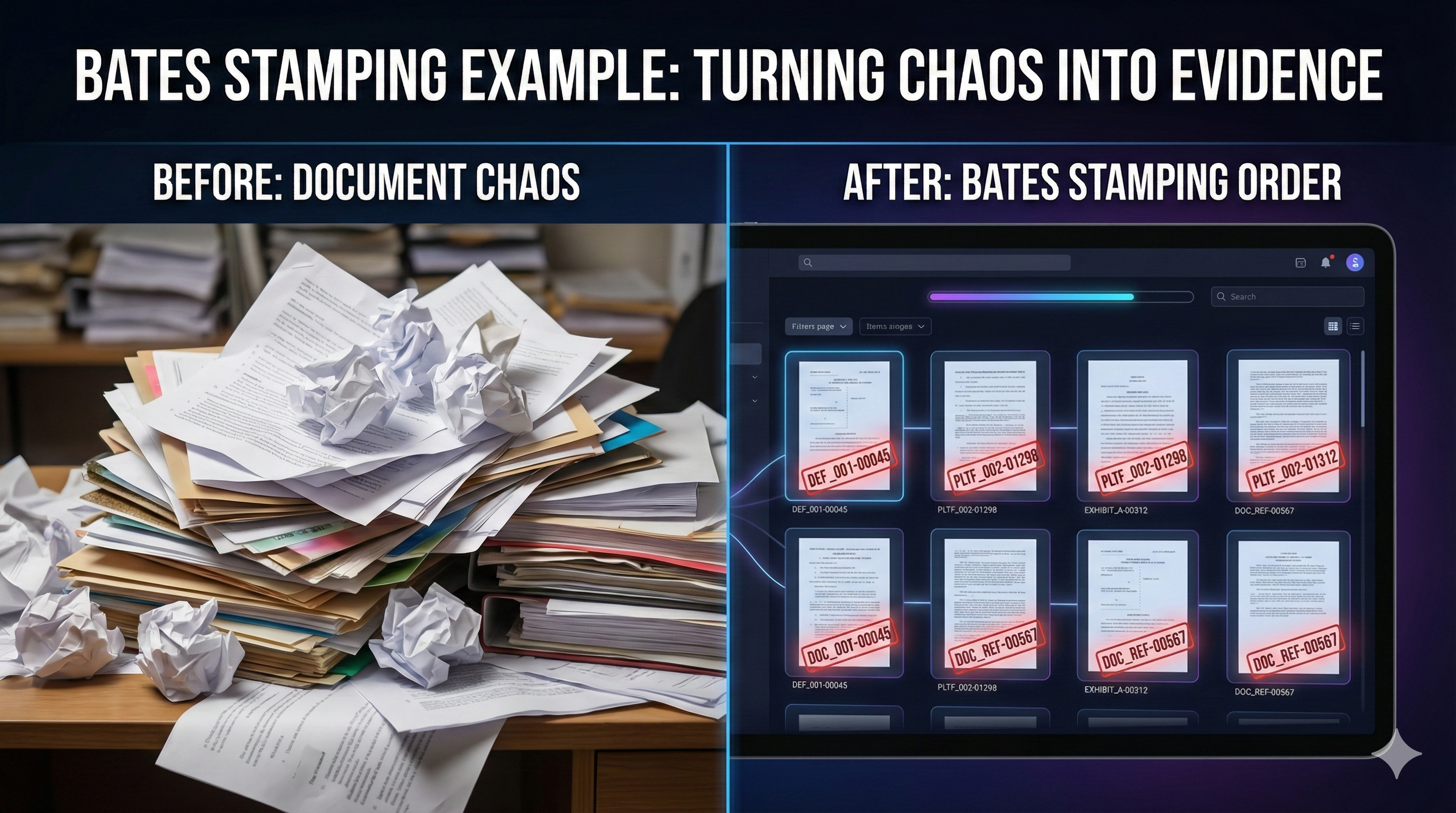
Bates Stamping Example
Reviewing Before You Produce (Local Processing)
In discovery, you may have to produce relevant material to the other side. That can feel very exposing.
Review what you are handing over, with your attorney, before it goes anywhere.
ScanMyChat runs locally in your browser.
Make the Record Easy to Follow
Your goal is a record that is clear and easy to follow: chronological, page-referenced, searchable. That lets your attorney spend time on strategy instead of sorting.
Organize your messages. Hand your attorney a clear record.
---
Disclaimer: This article is for informational purposes only. Discovery rules (the Federal Rules of Civil Procedure and state equivalents) are complex and vary by court. Always review your document production strategy with your attorney before producing anything to opposing counsel.
Legal Disclaimer
This article is for informational purposes only and does not constitute legal advice. Always consult with a qualified attorney regarding your specific case. ScanMyChat is evidence-preparation software, not legal counsel.